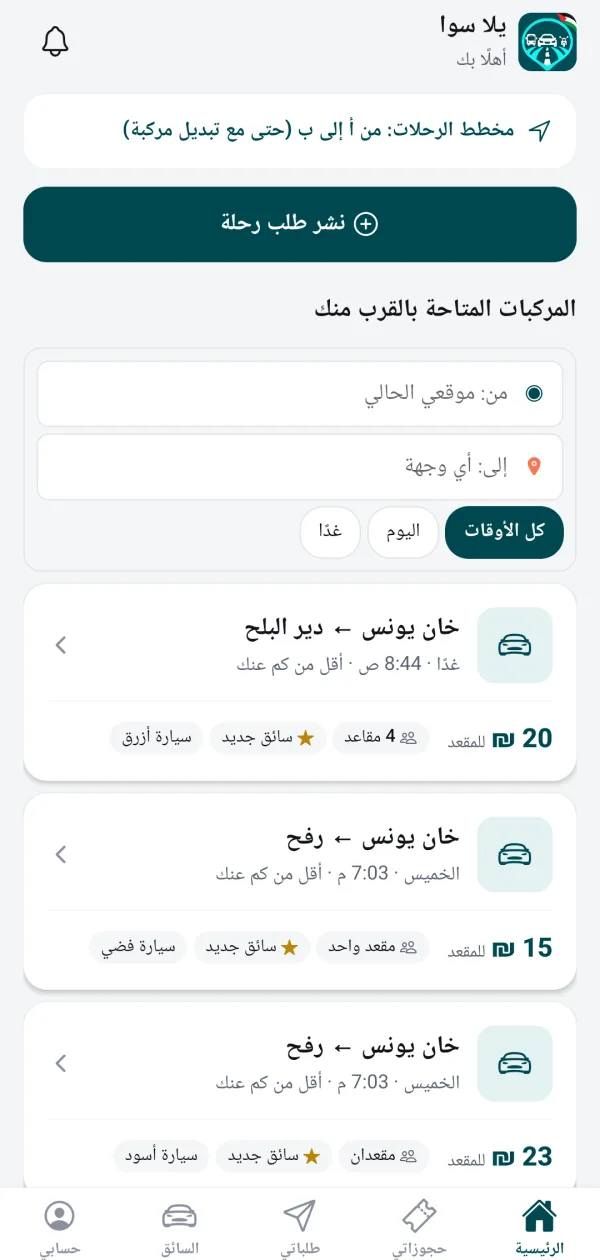

The Yalla Sawa app
A short video for car owners: share the empty seats on your trip and cut its cost.
Seat sharing inside the Gaza Strip
Instead of paying for a whole car, book one or more seats in a vehicle already heading your way, and see where to meet it and when the trip starts.
Free beta · the app is in Arabic
A short video for car owners: share the empty seats on your trip and cut its cost.

From the trip planner, ride requests and promo codes to live tracking, chat and the emergency button, the driver tools and dedicated lines for organizations.
Each organization gets its own dashboard to follow its drivers, members and their trips, decide whether trips are free or have a fixed fare, and plan around real demand.
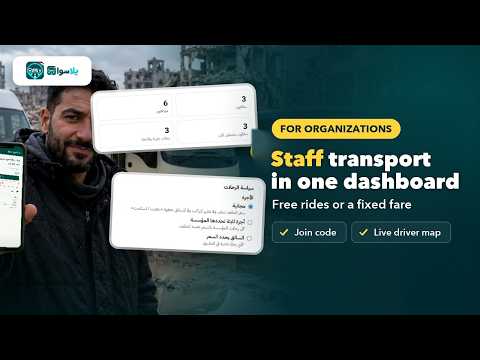
For bodies such as the Ministry of Health or UNRWA: employees and drivers added by phone number or the organization's code, with free or low-fare trips.

For municipalities such as Gaza Municipality: clear lines and stops, a low fixed fare set by the municipality, and a live map of the buses.

A join code for the student group, approval of members, a weekly trip schedule, and seat booking from a stop on the way.
Joining with the organization's code and choosing a boarding stop come to the app with the next update.
Three steps and you're on your way.
See the trips heading your way with the time, the seat price and the free seats, or post a ride request and let drivers send you offers.
Choose how many seats you need and the closest meeting point on the vehicle's route; the driver confirms the booking.
Once the booking is confirmed you see where the vehicle is and can talk to the driver, and after the trip you rate them.
The trip's cost is split between the riders, and you pay the driver directly, outside the app.
The app suggests the closest meeting point on the vehicle's route.
Every driver and vehicle is reviewed by the team before they can publish trips.
The vehicle's exact location is shown only to riders whose booking is confirmed.
In-app chat to agree on the meeting point if the road changes.
Built to survive internet cuts and carry on where it stopped.
Whether you drive for a living or you're a car owner on your own trip, publish it with the time, price and number of seats, and receive booking requests easily.
The app is a free beta on both platforms. Its interface is in Arabic.
If you see “The package appears to be invalid”, make sure the download finished, then open the file from your Downloads folder rather than from the browser.
Short guides to every step, from booking and paying to safety and signing up as a driver.
Steps to book one or more seats on a trip heading your way inside the Gaza Strip with the Yalla Sawa app, or to post a ride request and receive drivers' offers.
Read moreThe Yalla Sawa driver guide: getting approved, adding your vehicle, publishing instant, scheduled and recurring trips, “available for work” mode and receiving booking requests inside the Gaza Strip.
Read moreHow to pay your seat fare on Yalla Sawa: directly to the driver with Jawwal Pay, PalPay, bank transfer or cash, with no commission and without the app holding your money.
Read moreHow Yalla Sawa protects riders and drivers in Gaza: drivers approved after a manual review, an exact location shown only after a booking is confirmed, an emergency button, and a rating after every trip.
Read moreYalla Sawa (يلا سوا) is a free Arabic seat-sharing app for trips inside the Gaza Strip. You book one or more seats in a vehicle heading to your destination and pay only for your seat, or publish your own trip as a driver and share your empty seats.
Yes. Downloading and using the app is free, and the current version is a beta. The driver sets the seat fare and you pay it to them directly, outside the app.
Choose the trip, the number of seats and the suggested meeting point on the vehicle's route, then send the booking request. The booking is confirmed once the driver accepts it; then you see the vehicle's location and can contact the driver. If no trip suits you, post a ride request and receive offers from drivers.
You pay the driver directly, outside the app, using one of the methods they accept: Jawwal Pay, PalPay, bank transfer or cash. The app does not handle money and takes no commission at this stage.
Once your account and vehicle are approved, choose “Publish a new trip” and set the starting point, destination, time, number of seats and seat price. A trip can be instant, scheduled or recurring, and you receive booking requests to accept or decline.
On iPhone from the App Store, and on Android as a direct APK file from yallasawa.app. After installing, sign in with your phone number.
Videos, trip tips and the latest app updates on our official accounts.
A question or a suggestion, or want to join as a driver or partner? Email the company.